Thank You for Helping Us Test New HeartMath Experiences for iPhone!
Looking for the Android Users’ Page? Click here.
The experience you will be testing:
A new app to help people learn and apply HeartMath® techniques and heart coherence.
How long will this take you?
This test experience will take approximately 20 minutes, plus 5 minutes to provide your feedback in a survey.
When should you test this experience?
We encourage you to use the app at your convenience over the next two weeks.
What you’ll need:
An iPhone with Version iOS 16 or higher.
Instructions
1
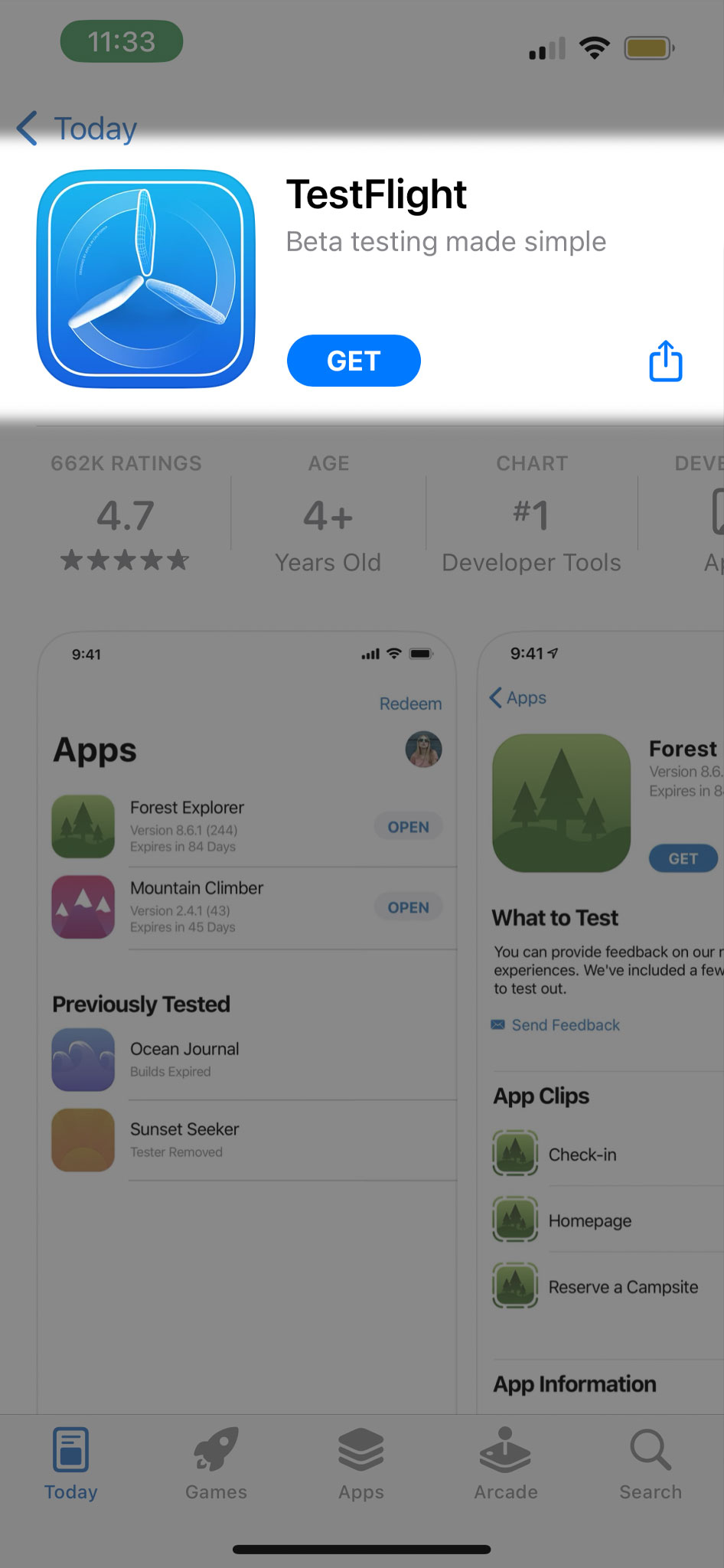
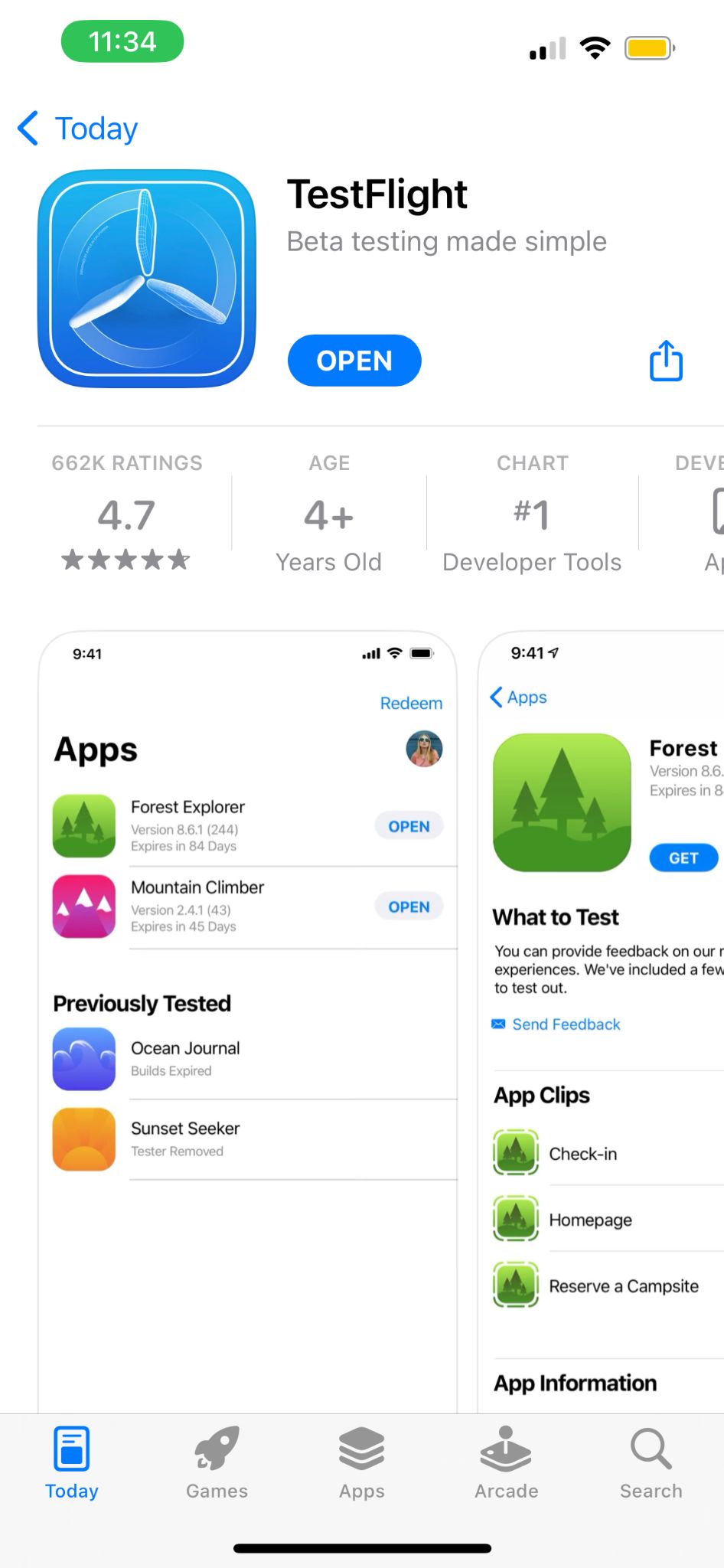
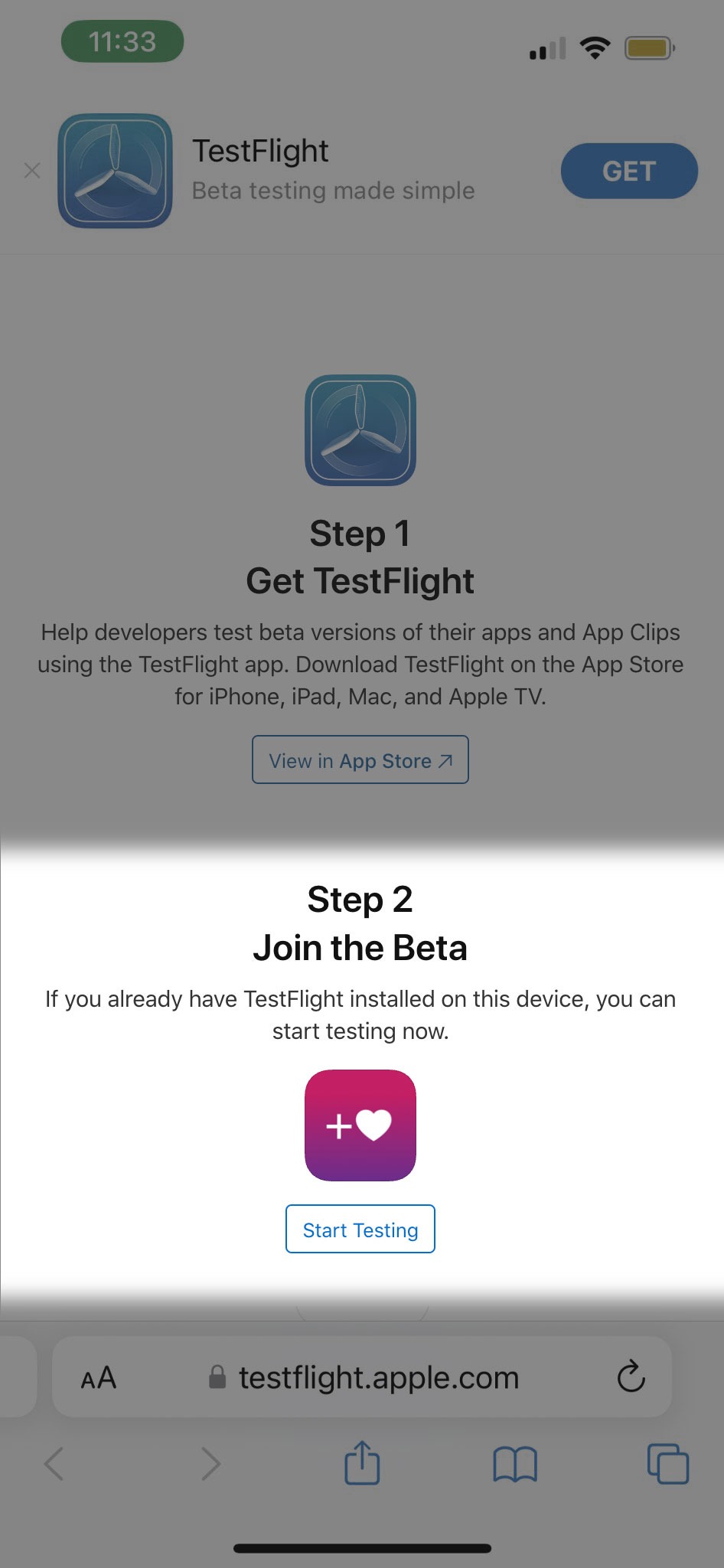
Open this link from your iPhone to download TestFlight, which is our testing platform.
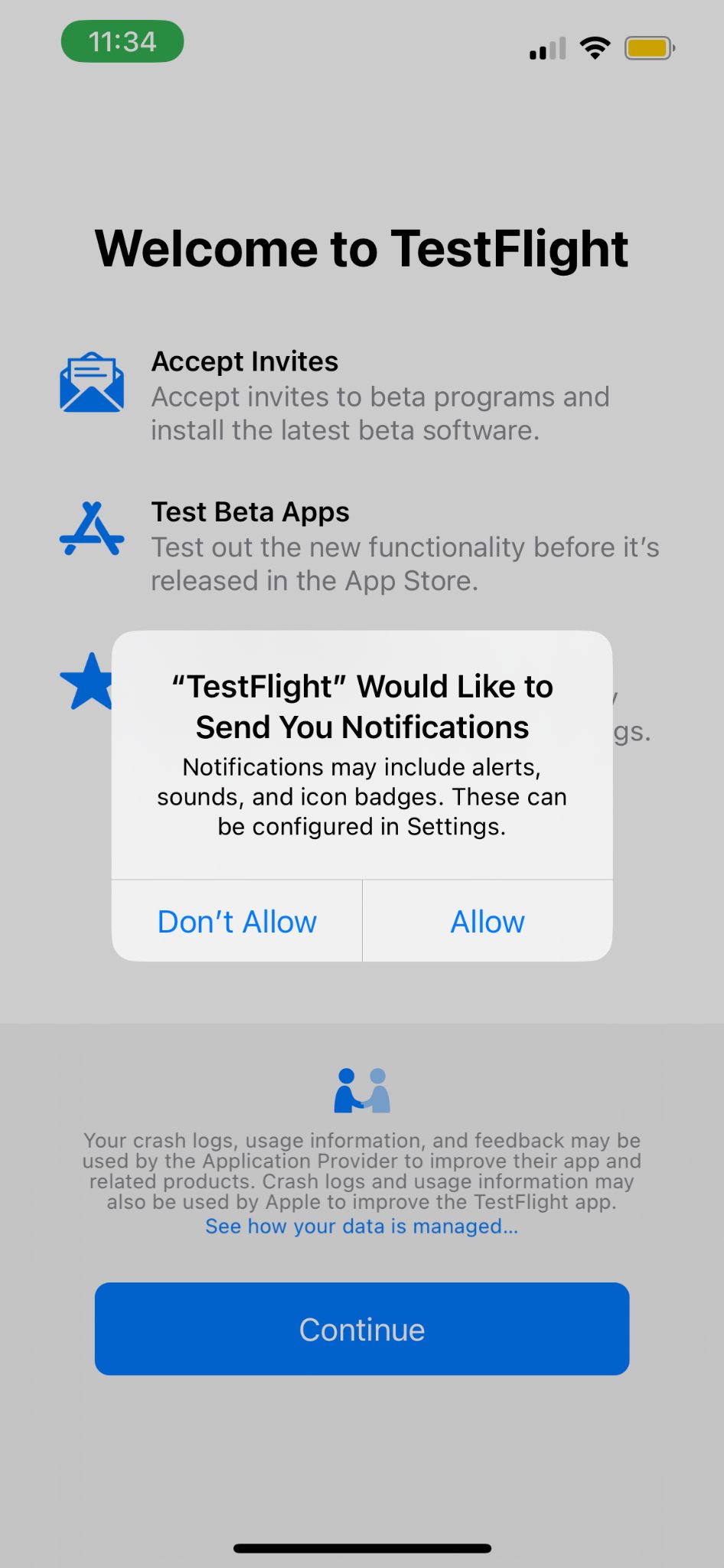
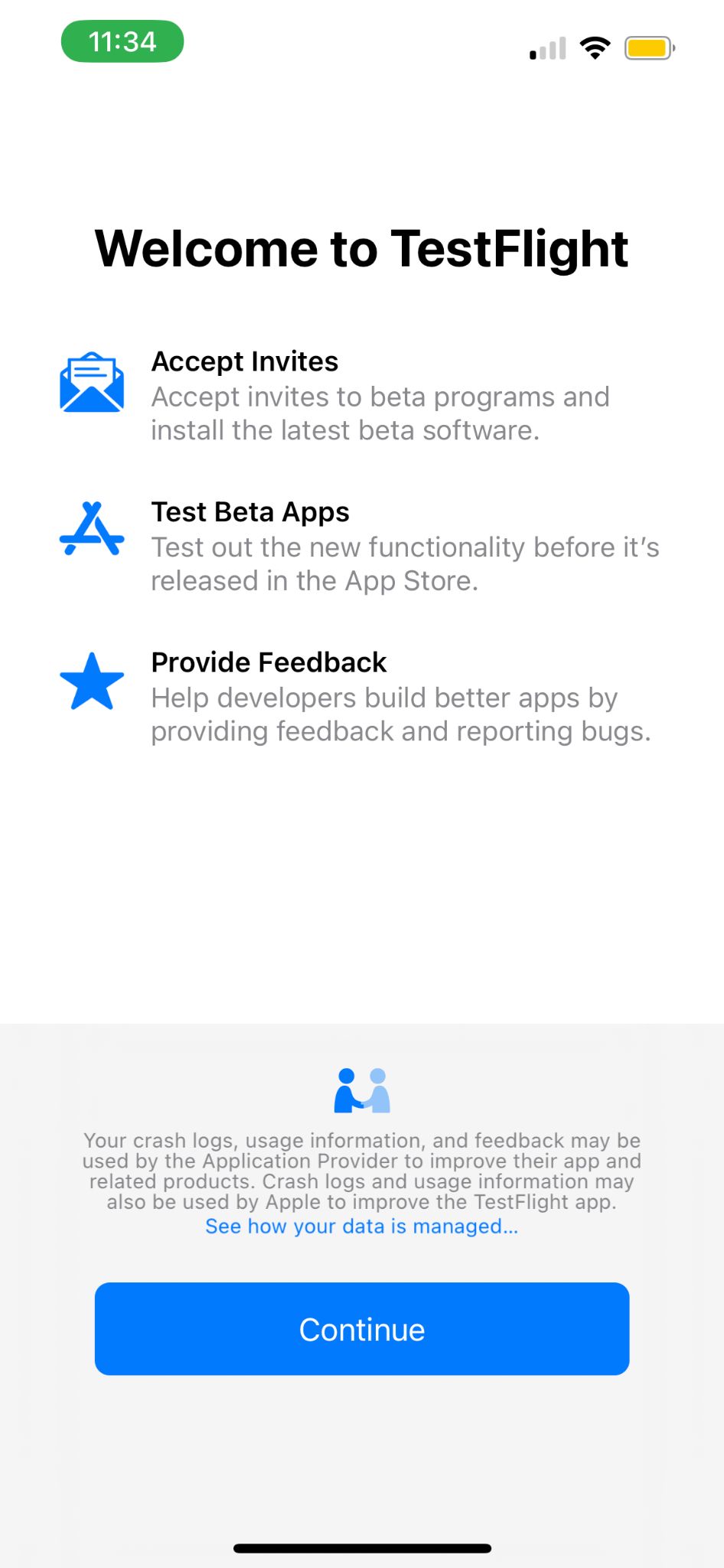
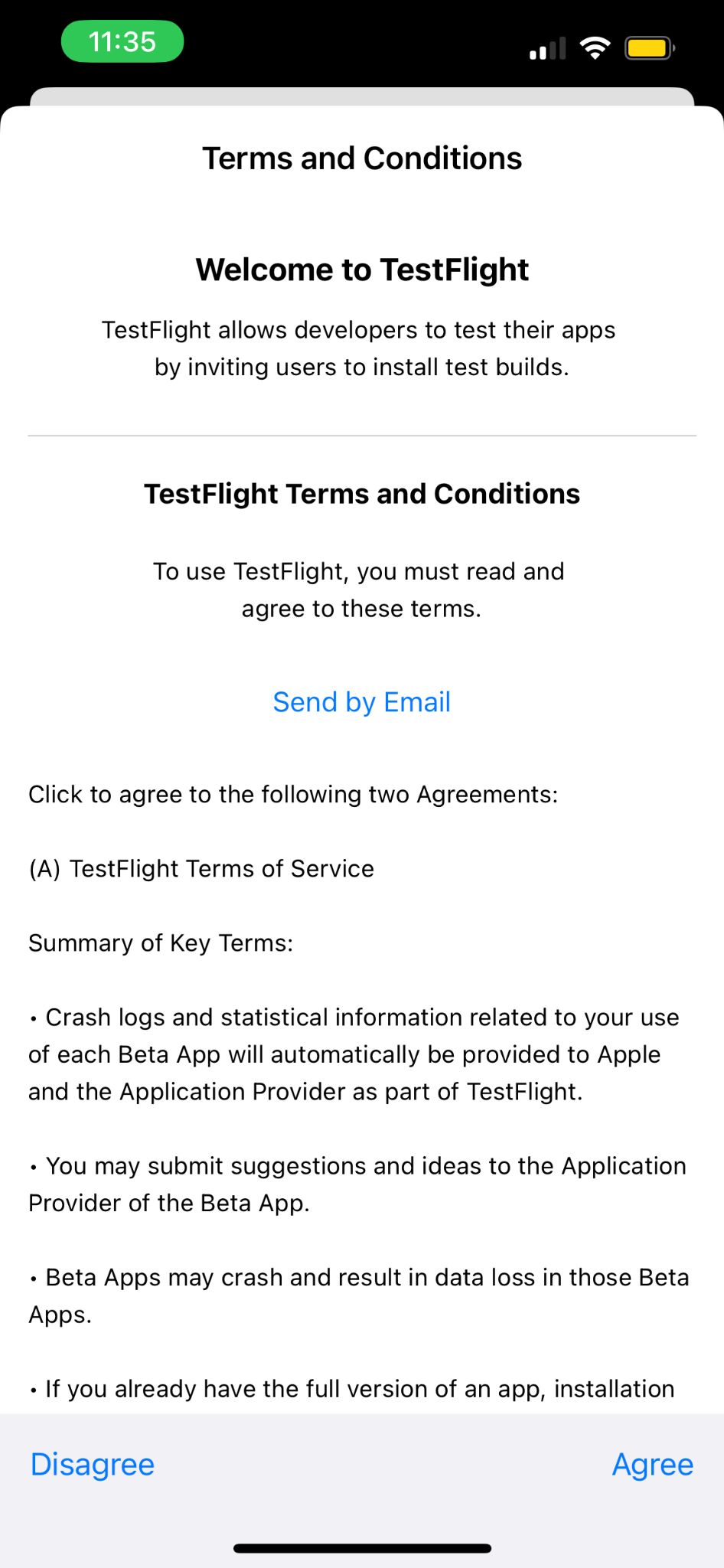
Then open the TestFlight app, give TestFlight the standard permissions it asks for, and tap Continue.
2
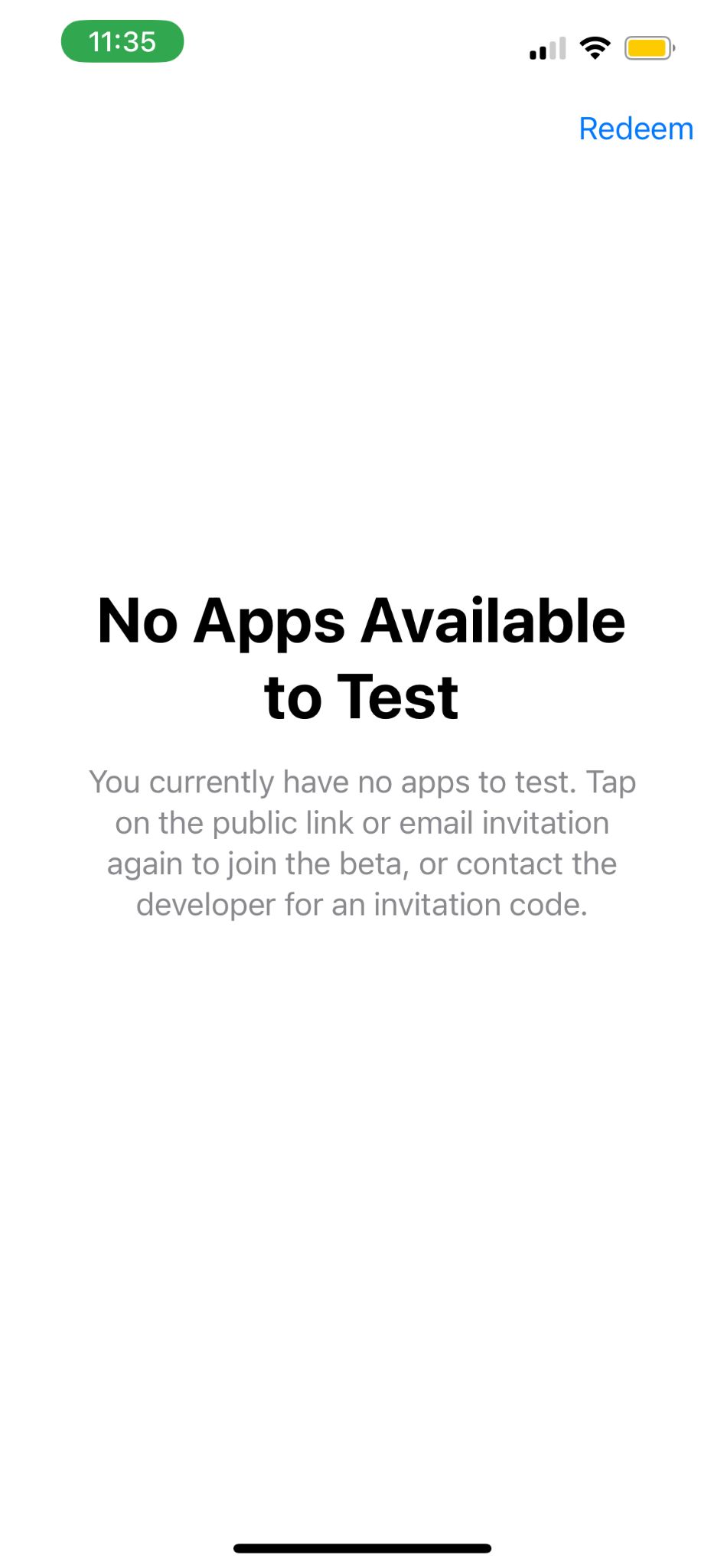
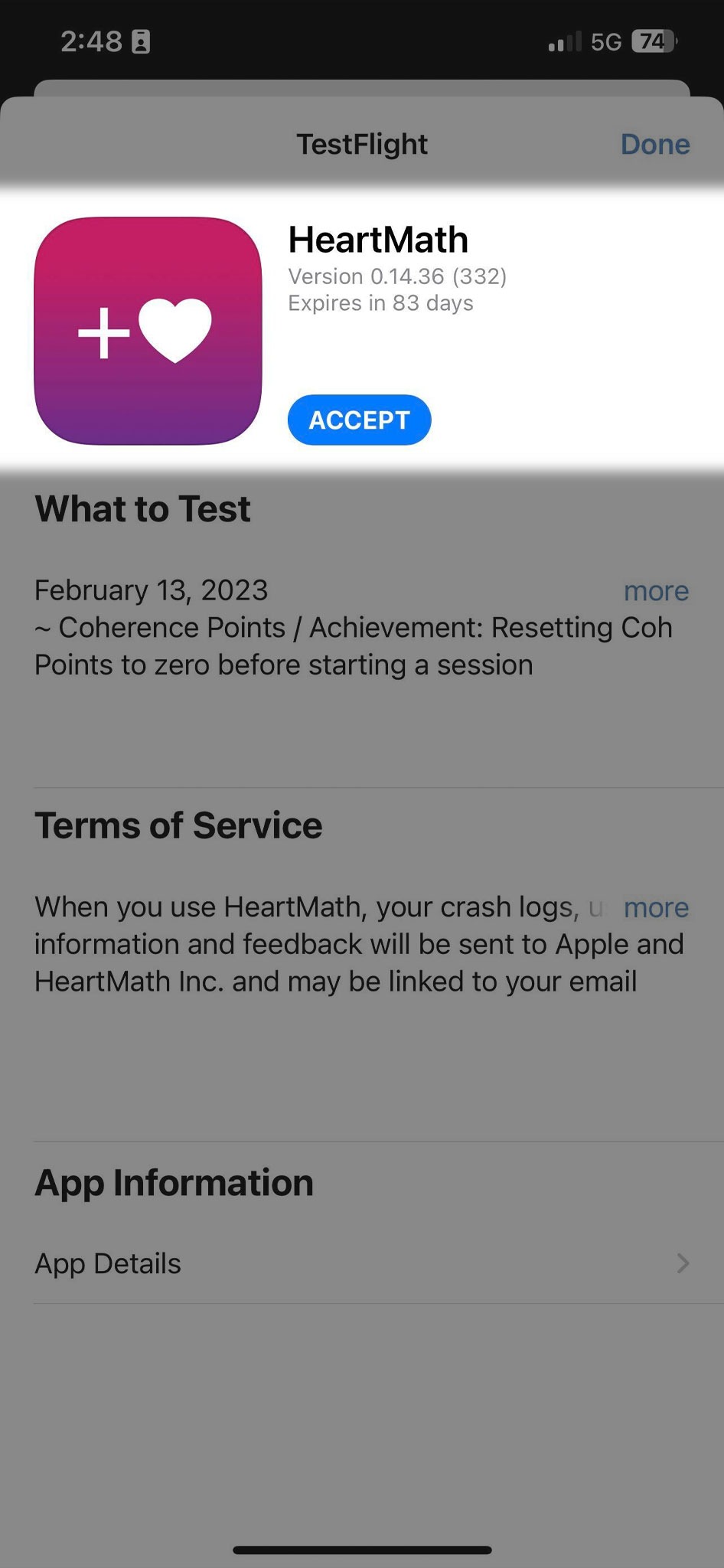
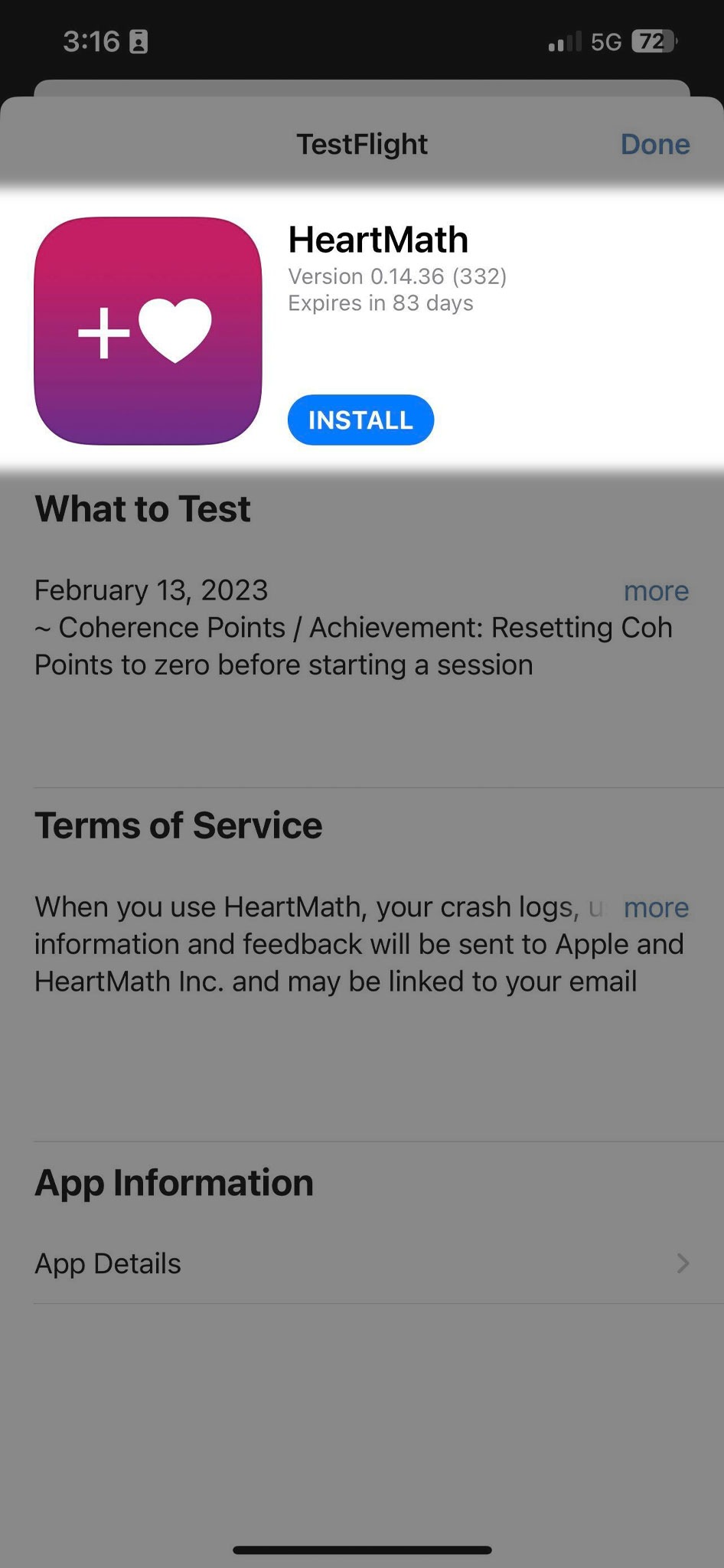
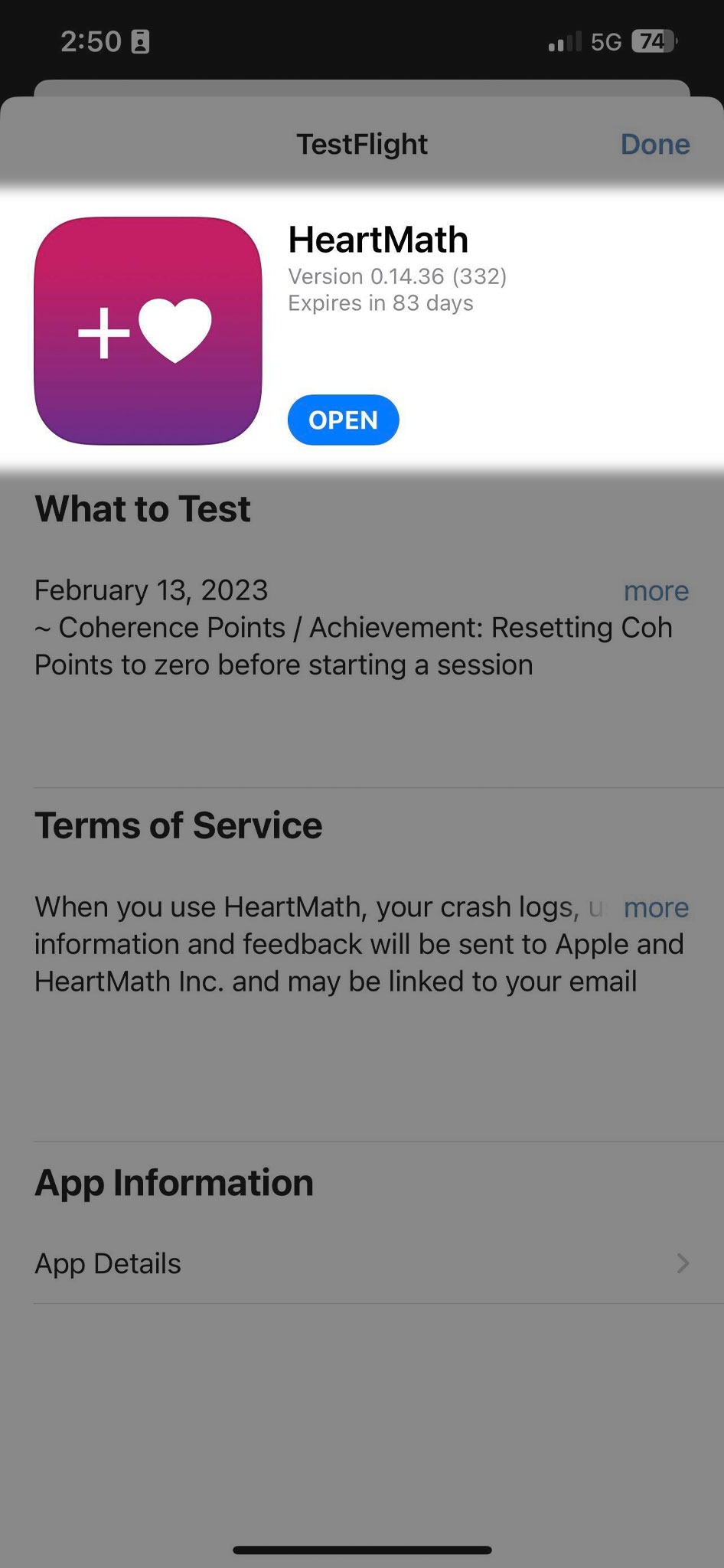
Once you have the TestFlight app, please tap this link from your iPhone
which will allow you to join our beta test and install the HeartMath app.
3