
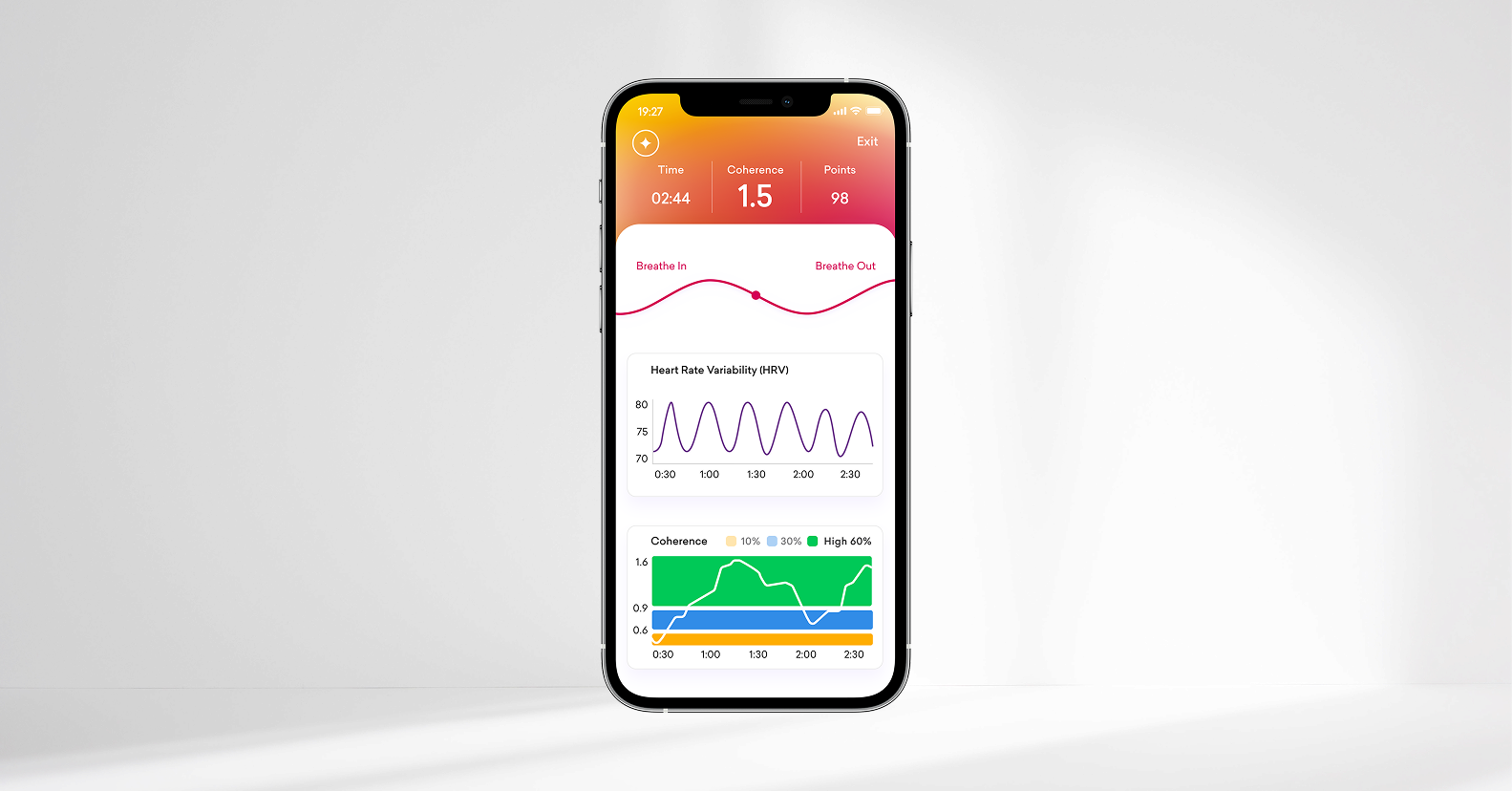
Recommended — start here
HeartMath App
Our newest and most comprehensive app. Your sensor includes a free lifetime subscription, with guided onboarding and hours of expert-led sessions.
- Download and open the HeartMath app, then create an account or sign in.
- As you use the app, a prompt will guide you when it’s time to connect your sensor.
- Connect your sensor over Bluetooth to unlock your free lifetime subscription.
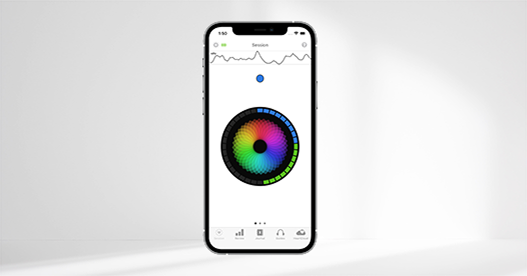
Original App
Inner Balance App
Our original app, introduced in 2013, focused on coherence measurement. It works with your new Inner Balance Coherence Plus sensor.
- Download and open the Inner Balance app.
- Press the power button on your sensor.
- Tap Start to begin a session.
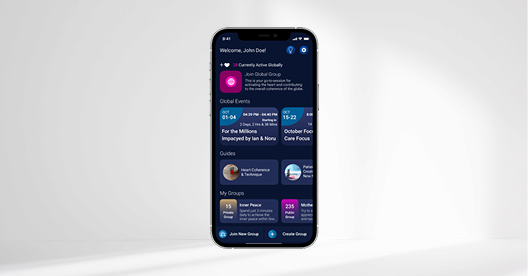
Global field
Global Coherence App
Created by the HeartMath Institute — join people around the world adding their coherence to the global field.
- Download and open the Global Coherence app.
- Follow the instructions to connect your sensor.
- Already used it with another sensor? “Forget” the old one in settings first.
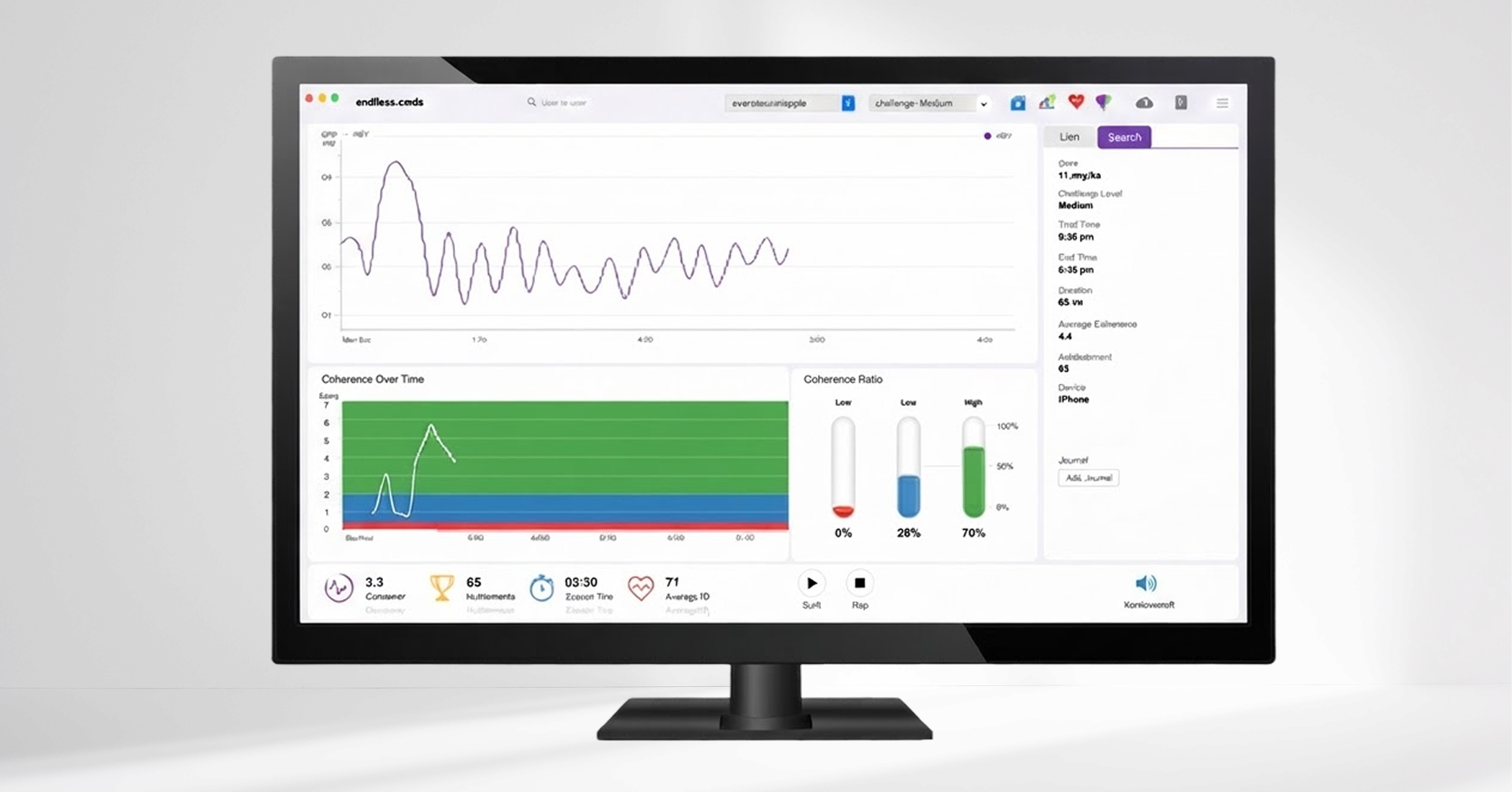
Desktop
emWave Desktop Software
Already have emWave software (emWave2, emWave Pro, or emWave Pro Plus)? Connect your sensor to your computer with the included USB-C cable..